
VP - Sales & Marketing


AI phone ordering for restaurants uses conversational Voice AI to answer customer calls, understand menu items and modifiers, take pickup or delivery orders, send secure payment links, and move confirmed orders into restaurant workflows. It helps restaurants capture phone demand during busy hours without requiring customers to wait on hold or download an app.
The phone rings during the dinner rush.
The front counter is busy, pickup orders are arriving, and the restaurant team is focused on guests and food preparation. No one is immediately available to answer.
That missed call may also be a missed order.
AI phone ordering gives restaurants another way to respond to customer demand without adding more pressure to the team. It can answer a call, understand what the customer wants, work from the restaurant’s menu, manage customizations, confirm the order, support payment, and send the final details into the restaurant workflow.
This guide explains how SnapMenuAI VoiceAI moves a restaurant call from the first customer request to a confirmed order.
What is AI phone ordering for restaurants?
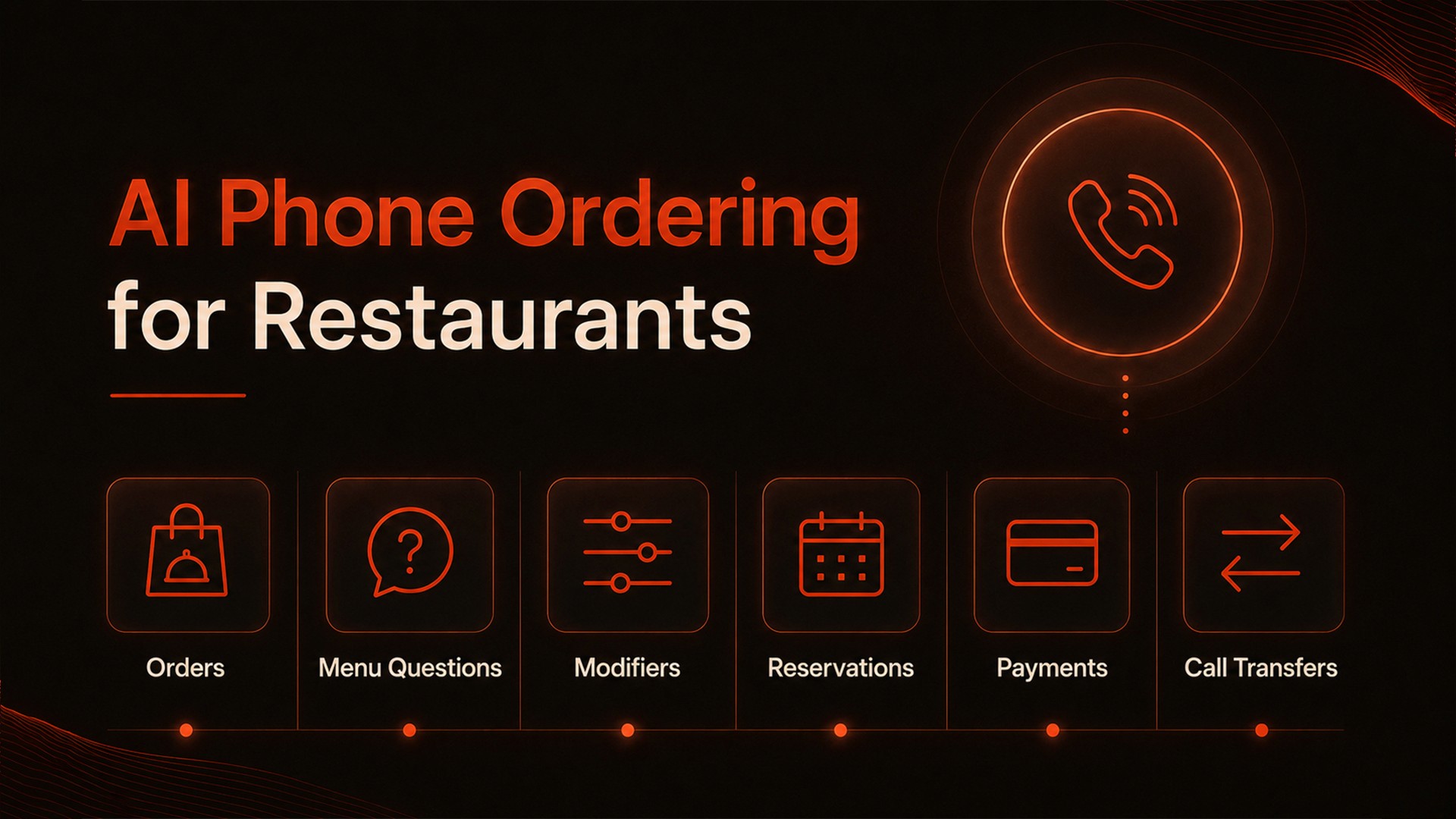
AI phone ordering is a voice-based restaurant system that answers incoming calls, understands spoken requests, uses configured menu information, and guides the customer toward an order, reservation, answer, or staff transfer.
Depending on the restaurant’s configuration, it can support:
Phone orders
Menu questions
Item prices and sizes
Modifiers and add-ons
Ingredient and dietary questions
Pickup or delivery information
Reservations
Payment links
SMS confirmations
Call transfers
After-hours inquiries
Unlike a traditional automated phone menu, restaurant VoiceAI allows customers to speak naturally instead of navigating a fixed list of recorded options.
How does AI phone ordering work?
AI phone ordering can be understood as a ten-step workflow:
The customer calls the restaurant.
VoiceAI identifies what the customer needs.
The system uses the restaurant’s configured menu.
It collects items, modifiers, and special requests.
It answers approved menu questions.
It recommends relevant add-ons.
It reviews the complete order.
It supports payment and confirmation.
It sends the order into the restaurant workflow.
Staff can step in when human assistance is required.
Here is what happens at each stage.
Step 1: The customer calls the restaurant
The customer calls the restaurant’s phone number as usual.
VoiceAI answers with a greeting configured for the business. The greeting can include the restaurant name, the AI agent’s name, and an invitation to place an order or ask a question.
For example:
“Thank you for calling Bella’s Pizza. This is Ava. How may I help you today?”
The customer does not need to download an application or learn a new ordering process.
Step 2: VoiceAI understands the request
The customer may want to:
Place a takeout order
Ask about a menu item
Confirm availability
Check business hours
Ask about pickup or delivery
Reserve a table
Speak with an employee
The customer can begin naturally:
“I’d like to place an order for pickup.”
VoiceAI identifies the request and asks the questions needed to continue.
Step 3: The system uses the restaurant’s menu
Restaurant phone ordering depends on accurate menu information.
VoiceAI works from configured restaurant data, which may include:
Categories
Menu items
Prices
Sizes
Modifier groups
Add-ons
Availability
Preparation details
SnapMenuAI’s MenuBuilderAI helps turn restaurant menus into structured digital information that can support voice and online ordering workflows.[1]
This means the system responds using the restaurant’s menu rather than relying on generic information.
If a customer asks:
“What sizes are available for the Margherita pizza?”
VoiceAI can answer based on the options configured for that item.
Step 4: VoiceAI handles customizations
Restaurant orders often include more than a menu item and quantity.
Customers may request:
A different size
Extra toppings
Removed ingredients
Side substitutions
Cooking preferences
Combo selections
Half-and-half items
Special instructions
For example:
“I’d like a large pizza, half Margherita and half Hawaiian, with no onions on the Hawaiian side.”
VoiceAI can collect the request, clarify missing information, and repeat important details before adding the item to the order.
When a required choice is missing, such as size or crust type, the system can ask a follow-up question.
Step 5: It answers menu questions
Customers often call because they need information that may not be obvious from an online menu.
They may ask:
“Does this contain dairy?”
“Can I substitute fries for a salad?”
“What sizes are available?”
“Is this item spicy?”
“Do you have a vegetarian option?”
“Is this available today?”
VoiceAI can respond using the restaurant’s configured and approved menu information.
When a request falls outside that information or requires human judgment, the call can be transferred according to the restaurant’s escalation rules.
This allows the system to be helpful without making decisions it has not been authorized to make.
Step 6: It recommends relevant add-ons
VoiceAI can suggest additions that fit the customer’s order.
For example:
“Would you like to add garlic bread or a drink with your pizza?”
The recommendation should feel like normal restaurant service, not an aggressive sales pitch.
Relevant suggestions can remind customers about available drinks, sides, desserts, or other items that complement the order.
Step 7: The system reviews the order
Before the order is submitted, VoiceAI reviews the details with the customer.
The confirmation may include:
Items
Quantities
Sizes
Modifiers
Add-ons
Special instructions
Pickup or delivery choice
Customer details
Preparation time
Order total
For example:
“You have one large pizza, half Margherita and half Hawaiian, with no onions on the Hawaiian side, plus one order of garlic bread. Is that correct?”
The customer can confirm the order or make changes before it reaches the restaurant.
Step 8: The customer receives payment and confirmation details
Depending on the restaurant’s setup, VoiceAI can support payment through a link sent by SMS.
A typical workflow may include:
The order is reviewed.
The customer confirms the details.
A payment link is sent by text message.
The customer completes payment.
Payment status is updated.
The customer receives an order confirmation.
The exact process depends on the restaurant’s payment provider, configuration, and supported integrations.
Restaurants should confirm which party manages the payment page and which systems store, process, or transmit payment information. PCI DSS establishes technical and operational requirements designed to protect payment account data.[2]
Step 9: The order reaches the restaurant
Once confirmed, the order can be sent into a supported POS or restaurant workflow.
The order details may include:
Customer name and phone number
Menu items
Quantities
Sizes
Modifiers
Add-ons
Special instructions
Payment status
Order total
Preparation details
This can reduce the need for employees to listen to the call and manually re-enter every part of the order.
SnapMenuAI’s CommerceAI also supports connected digital ordering, restaurant websites, QR ordering, reservations, menus, payment workflows, and reporting.[3]
Step 10: Staff can step in when needed
AI phone ordering should not remove access to the restaurant team.
A call may be transferred or escalated when:
The customer asks for an employee
A complaint requires human attention
The request falls outside configured information
A special order needs approval
The customer needs assistance the system cannot provide
The restaurant has created a specific transfer rule
The goal is to handle routine demand while keeping employees available for exceptions and situations that require judgment.
NIST’s AI Risk Management Framework identifies reliability, safety, security, resilience, accountability, and transparency among the characteristics associated with trustworthy AI.[4] For restaurants, this reinforces the importance of testing both routine orders and exception handling before going live.
See how VoiceAI handles a real restaurant order
Watch how SnapMenuAI answers a call, understands the customer, handles customizations, confirms the order, and supports the next payment or restaurant workflow step.
What happens during busy hours?
Busy periods are often when AI phone ordering provides the clearest operational value.
Employees may already be:
Serving guests
Preparing food
Managing the counter
Coordinating pickup orders
Handling delivery drivers
Processing payments
VoiceAI gives the restaurant another way to respond when employees cannot immediately answer the phone.
Depending on supported capacity and configuration, the platform can manage simultaneous conversations and help reduce long hold times and unanswered calls.
What happens after hours?
Restaurants may continue receiving calls after closing or before opening.
Customers may want to:
Review menu options
Ask about operating hours
Place an eligible future order
Request delivery information
Make a reservation
Ask to speak with staff later
VoiceAI can support configured after-hours experiences based on the restaurant’s schedule, menu availability, and operating rules.
This gives customers a more useful response than voicemail alone.
How is restaurant VoiceAI different from traditional phone automation?
Traditional phone handling | Restaurant VoiceAI |
|---|---|
A call may go unanswered | Can provide continuous call coverage |
Customers may wait on hold | The conversation can begin immediately |
Uses fixed recorded options | Supports natural spoken interaction |
Has limited menu knowledge | Uses configured restaurant menu data |
Staff manually enter orders | Can connect with supported restaurant workflows |
Offers limited after-hours assistance | Can support configured off-hours experiences |
Uses keypad selections | Understands spoken customer requests |
Traditional interactive voice response systems normally guide callers through a fixed series of recorded options.
Restaurant VoiceAI is designed for two-way conversations involving menu items, customizations, questions, ordering, and confirmation.
What are the benefits of AI phone ordering?
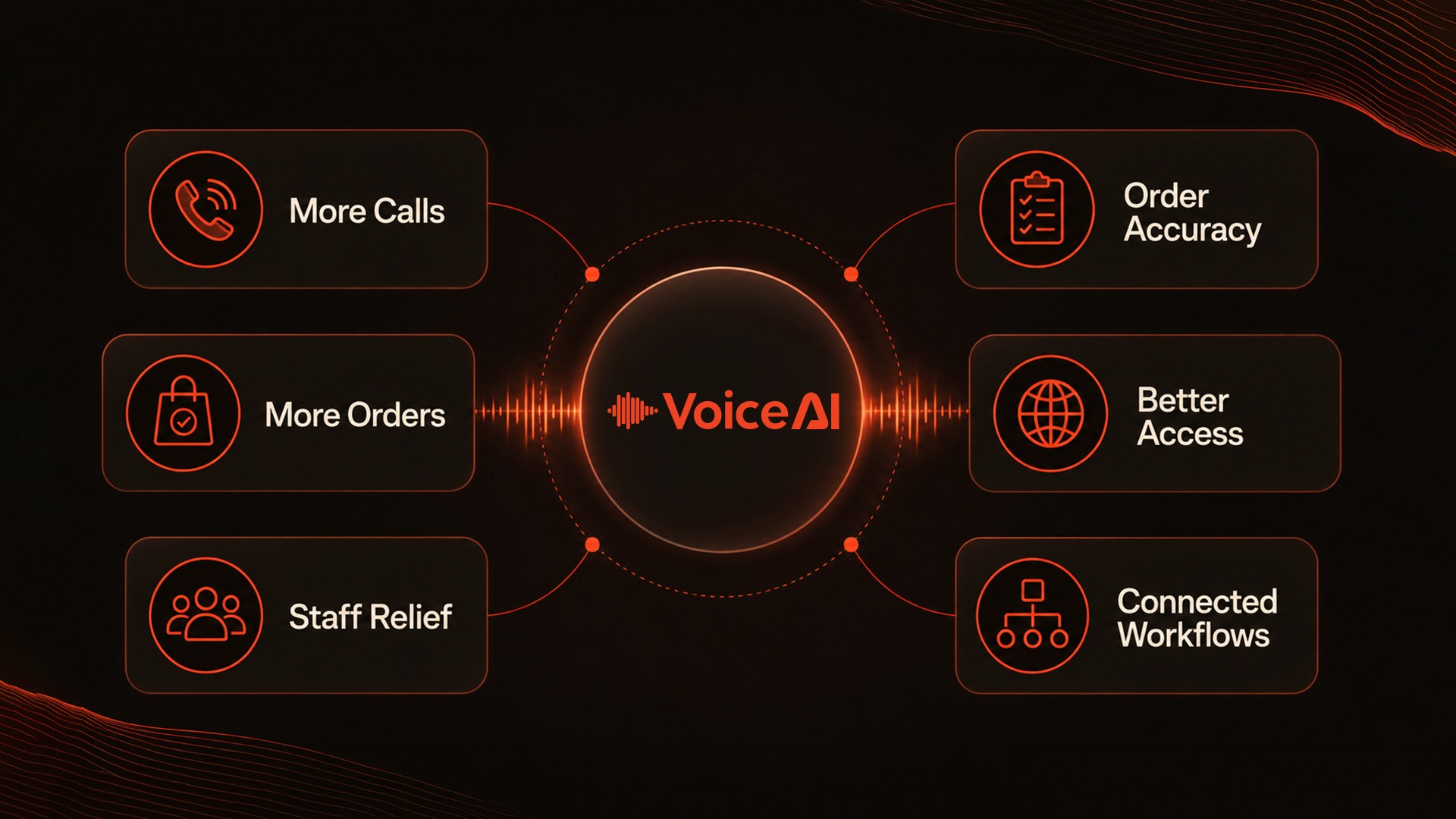
More calls handled
Restaurants gain another way to respond when employees are occupied or unavailable.
More ordering opportunities
Customers who might otherwise hang up can receive immediate assistance.
Less pressure on staff
Employees can remain focused on food preparation, in-person guests, and restaurant operations.
More consistent order capture
The system follows configured menu, modifier, confirmation, and escalation workflows.
Better customer access
Customers can place orders, ask questions, and receive information without waiting on hold.
Connected restaurant workflows
Where supported, phone orders can move into POS, payment, confirmation, and restaurant operating workflows.
What should restaurants evaluate before choosing AI phone ordering?
Restaurants should test the system using real menu and customer situations.
A useful demonstration should include:
A complex order
Multiple modifiers
An unavailable item
A dietary question
A multilingual request
A payment-link workflow
An SMS confirmation
A staff transfer
A request outside the configured menu
A simulated integration interruption
Restaurants should also confirm:
Menu setup responsibilities
Menu-update workflows
Supported POS integrations
Supported payment workflows
Available languages
Call-transfer rules
Reporting capabilities
Support ownership
Multi-location support
After-hours configuration
How SnapMenuAI supports the customer journey
SnapMenuAI provides connected tools designed around restaurant customer engagement, ordering, marketing, and operations.
VoiceAI supports phone ordering and customer calls.
MenuBuilderAI helps structure restaurant menu information.
CommerceAI supports digital ordering, restaurant websites, QR ordering, reservations, menus, payments, and reporting.
PromoFlowAI helps restaurants create and manage customer marketing campaigns.
Marketing-as-a-Service provides hands-on support with restaurant content, local visibility, campaigns, and advertising.
Together, these solutions help restaurants create a more connected journey across customer calls, ordering, payment, marketing, and operations.
For additional industry context, HomeNest Software provides an overview of AI use cases in restaurants.[5]
Related insights for ISO agents and partners
SnapMenuAI also works with ISOs and merchant-services sales organizations that want to add restaurant-focused AI to their portfolios.
The restaurant AI sales playbook for ISO agents explains how agents can identify restaurant pain points, lead stronger discovery conversations, demonstrate realistic workflows, and position AI around business value.
SnapMenuAI announces reseller partnership with ECS Payments outlines how the partnership is expanding access to connected restaurant ordering, engagement, marketing, payment, and operational tools.
How restaurant-focused AI solutions create more value across ISO portfolios explores differentiation, merchant retention, portfolio value, and recurring revenue opportunities for ISOs.
Frequently asked questions
Can AI take complex restaurant phone orders?
Yes, depending on the platform, menu setup, and configuration. Restaurant VoiceAI can support sizes, modifiers, substitutions, add-ons, special instructions, and complex item combinations.
Can AI phone ordering answer menu questions?
It can answer questions using the restaurant’s configured and approved menu information. Requests outside that information should be transferred or escalated to restaurant staff.
Can customers pay for phone orders?
Depending on the restaurant’s payment setup, the customer may receive a payment link by SMS. Available workflows depend on supported providers and integrations.
Does the order go into the POS?
Confirmed orders can be sent into supported POS or restaurant workflows. Restaurants should verify compatibility and the exact data flow before implementation.
Can VoiceAI transfer calls to restaurant staff?
Yes. Transfer and escalation rules can be configured for requests that require a person or fall outside the information available to the system.
Can it handle calls after hours?
VoiceAI can support configured after-hours experiences based on the restaurant’s operating schedule, menu availability, and rules.
Does AI phone ordering replace restaurant employees?
No. It is designed to support employees by handling routine calls and ordering conversations while allowing staff to focus on guests, food preparation, and situations requiring human judgment.
See AI phone ordering in action
Discover how SnapMenuAI VoiceAI can support phone orders, menu questions, customizations, payments, confirmations, and connected restaurant workflows.
Explore more restaurant technology insights on the SnapMenuAI blog.