
Image

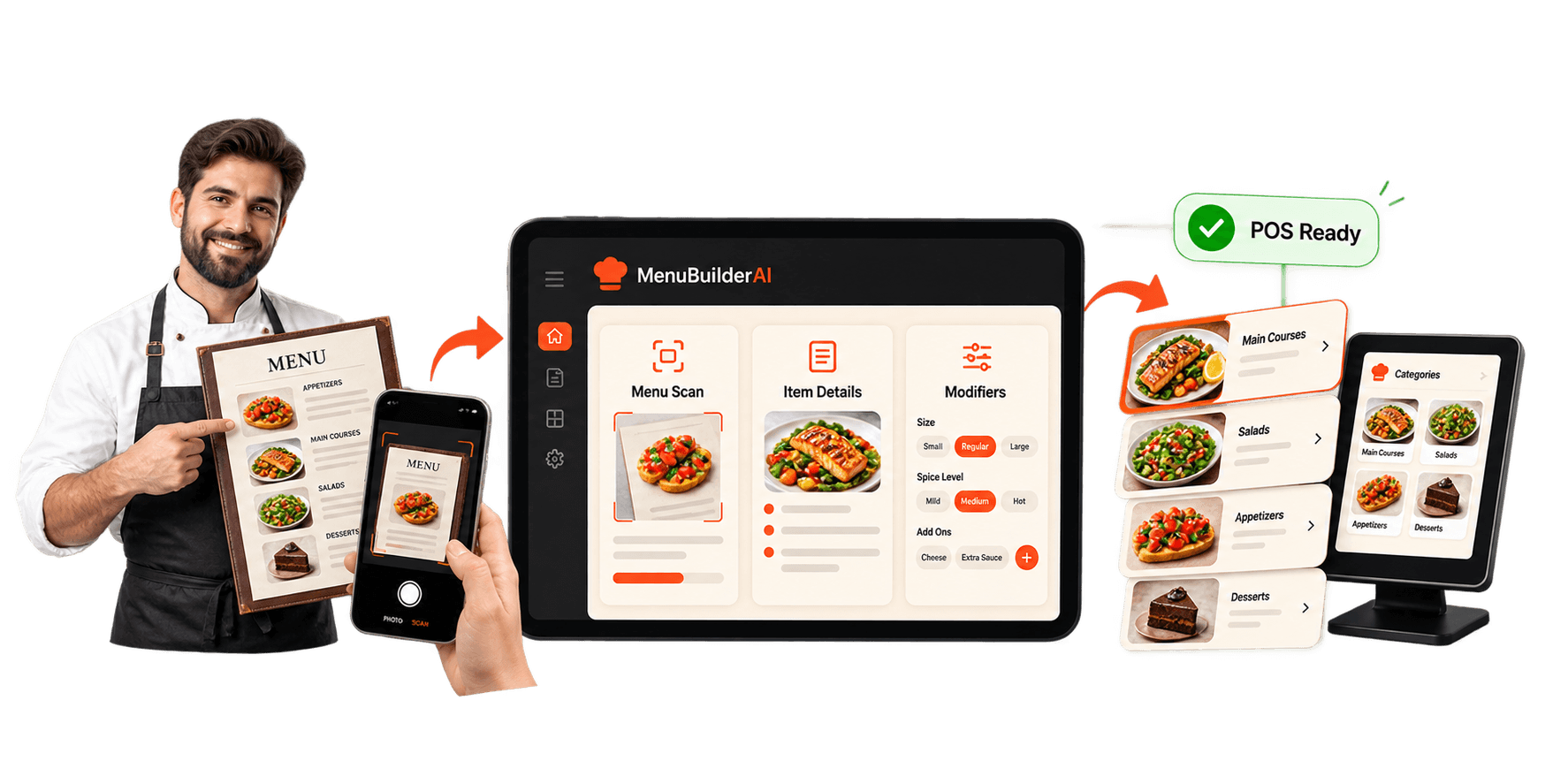
MenuBuilder AI

Build professional
digital menu with AI

AI phone ordering assistant for busy restaurants

How MenuBuilderAI works

From menu upload to ordering-ready data

MenuBuilderAI turns existing restaurant menus into structured, enriched, and customizable digital menu data ready for ordering, updates, and connected workflows.
01

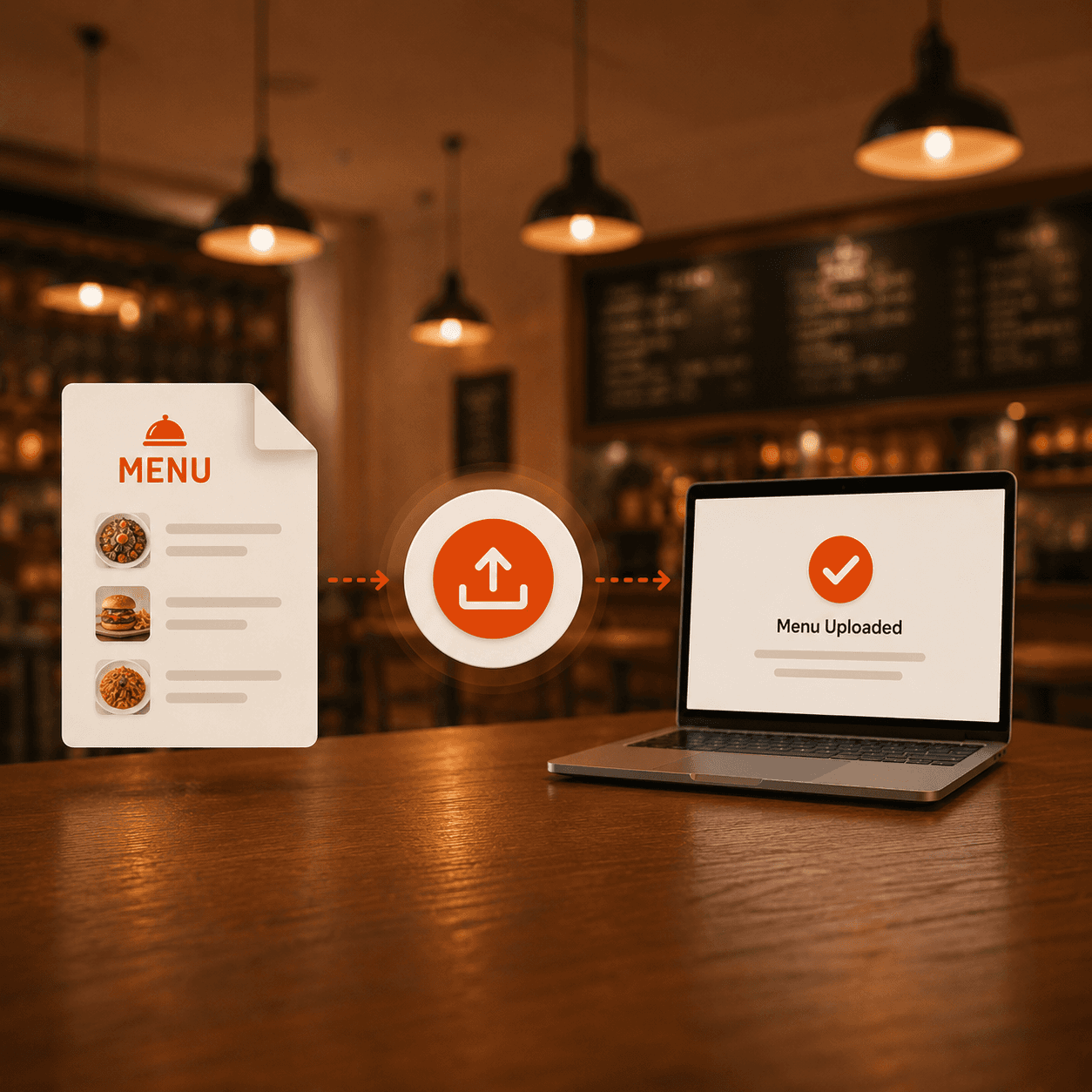
Upload menu files

Restaurants upload PDFs, images, spreadsheets, or existing menu files into MenuBuilderAI.

02

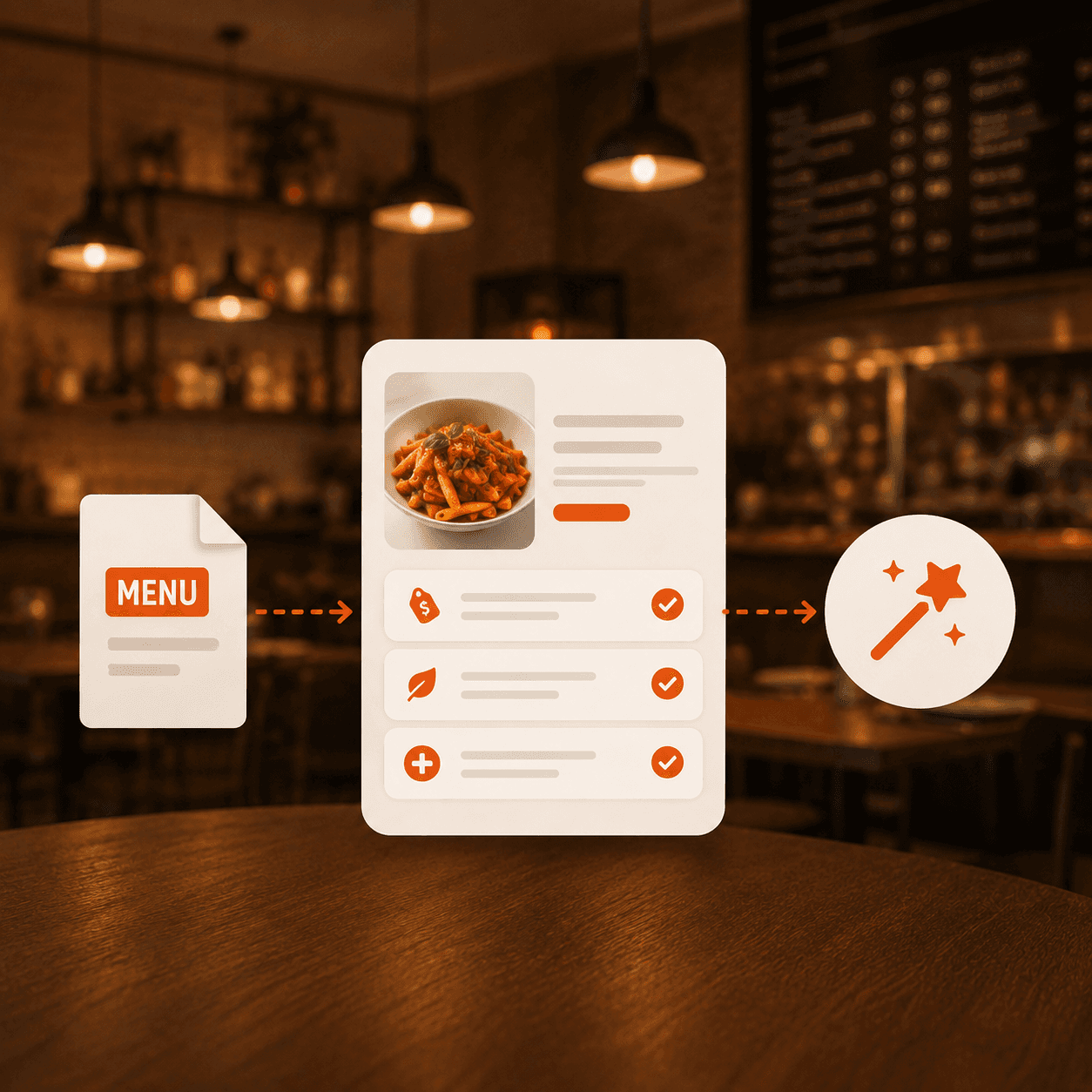
Enrich menu items

AI structures items, descriptions, categories, prices, ingredients, and menu details clearly.

03

Prepare for ordering

Menus become ready for modifiers, combos, availability, pricing, and ordering workflows.

01

Upload menu files

Restaurants upload PDFs, images, spreadsheets, or existing menu files into MenuBuilderAI.

02

Enrich menu items

AI structures items, descriptions, categories, prices, ingredients, and menu details clearly.

03

Prepare for ordering

Menus become ready for modifiers, combos, availability, pricing, and ordering workflows.

01

Upload menu files

Restaurants upload PDFs, images, spreadsheets, or existing menu files into MenuBuilderAI.

02

Enrich menu items

AI structures items, descriptions, categories, prices, ingredients, and menu details clearly.

03

Prepare for ordering

Menus become ready for modifiers, combos, availability, pricing, and ordering workflows.

MenuBuilderAI features

Create menus that help customers order faster

MenuBuilderAI helps restaurants digitize menus, enrich item details, manage modifiers, update pricing, and prepare menu data for connected ordering experiences.

Menu digitization

Convert PDFs, images, and physical menus into clean digital menu data that is easier to manage.

Menu digitization

Convert PDFs, images, and physical menus into clean digital menu data that is easier to manage.

AI menu enrichment

Add clearer descriptions, ingredients, chef notes, and item details that improve customer understanding.

AI menu enrichment

Add clearer descriptions, ingredients, chef notes, and item details that improve customer understanding.

Modifier management

Set topping options, sizes, spice levels, add-ons, and custom choices for flexible ordering.

Pricing and availability

Manage item pricing, online availability, seasonal items, and channel-ready menu updates.

Combo and coupon setup

Create combos, offers, coupons, and promotion-ready menu options for better order value.

Partner with SnapMenuAI

Create new value for your restaurant merchants

POS Partners

Integrate SnapMenuAI with existing POS workflows so restaurants can connect VoiceAI, SMS AI, menu requests, orders, reservations, and customer conversations with daily operations.

Payment Partners

Help restaurant merchants turn customer conversations into payment-ready moments with AI ordering, SMS payment links, and engagement tools that create more value beyond processing.

Delivery Partners

Support restaurants in capturing more order demand from calls and texts, organizing customer requests, and preparing cleaner handoffs for delivery-ready workflows.


Integrations

Connect MenuBuilderAI with your restaurant stack

Use MenuBuilderAI with supported POS, ordering, delivery, and menu systems to keep item data, modifiers, pricing, and availability easier to manage.

  • Zoom
  • Zoom
  • Zoom
  • Zoom
  • Zoom
  • Zoom
  • Zoom
  • Zoom
  • Zoom
  • Zoom
  • Zoom
SnapMenu

Integrations

Connect MenuBuilderAI with your restaurant stack

Use MenuBuilderAI with supported POS, ordering, delivery, and menu systems to keep item data, modifiers, pricing, and availability easier to manage.

  • Zoom
  • Zoom
  • Zoom
  • Zoom
  • Zoom
  • Zoom
  • Zoom
  • Zoom
  • Zoom
  • Zoom
  • Zoom
SnapMenu

Integrations

Connect MenuBuilderAI with your restaurant stack

Use MenuBuilderAI with supported POS, ordering, delivery, and menu systems to keep item data, modifiers, pricing, and availability easier to manage.

  • Zoom
  • Zoom
  • Zoom
  • Zoom
  • Zoom
  • Zoom
  • Zoom
  • Zoom
  • Zoom
  • Zoom
  • Zoom
SnapMenu

Help center

Frequently asked questions

Frequently asked questions

Everything you need to know before getting started with MenuBuilder AI

Everything you need to know before getting started with MenuBuilder AI

More questions?

Reach out anytime.

What is MenuBuilderAI?

MenuBuilderAI is an AI-powered menu digitization solution that helps restaurants convert PDFs, images, and menu files into structured digital menu data.

Can MenuBuilderAI convert PDF or image menus?
Can MenuBuilderAI enrich menu item details?
Can MenuBuilderAI manage modifiers?
Can MenuBuilderAI support ordering workflows?
Logo Image

Ready to build better digital menus?

See how MenuBuilderAI helps restaurants digitize menus, enrich item details, manage modifiers, update pricing, and prepare menus for ordering.

Logo Image

Ready to build better digital menus?

See how MenuBuilderAI helps restaurants digitize menus, enrich item details, manage modifiers, update pricing, and prepare menus for ordering.

Logo Image

Ready to build better digital menus?

See how MenuBuilderAI helps restaurants digitize menus, enrich item details, manage modifiers, update pricing, and prepare menus for ordering.